Music and Videos Offline on iPhone
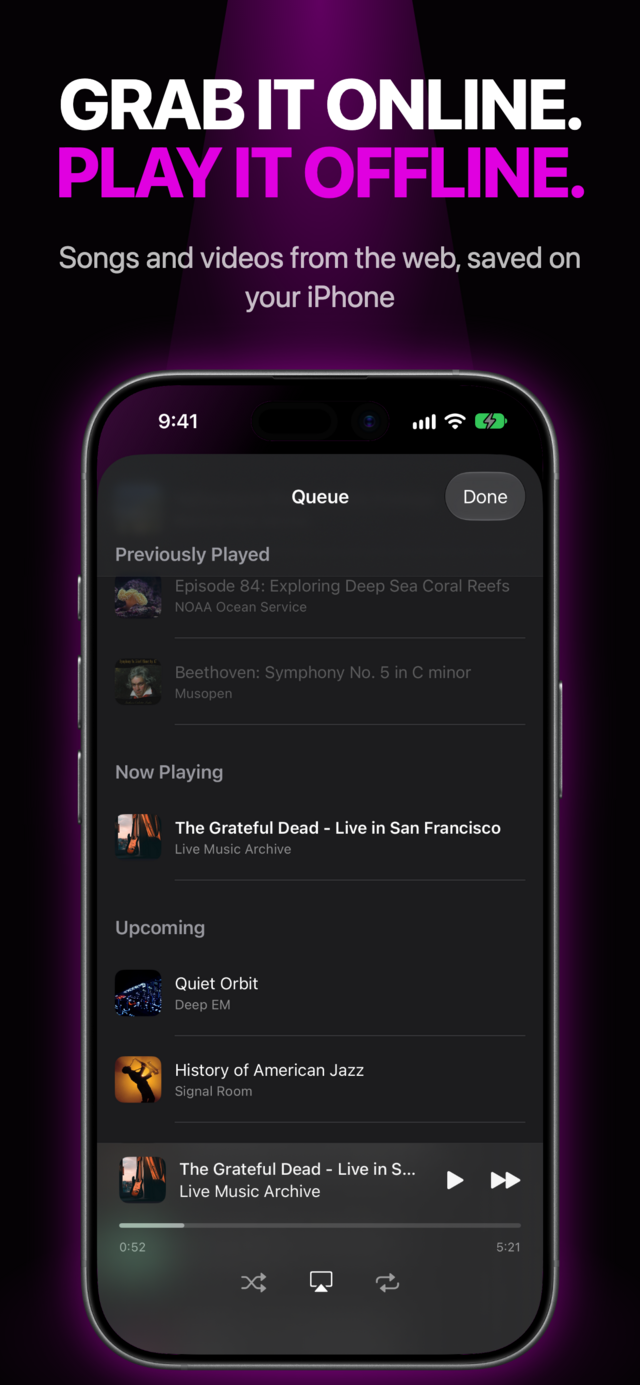
MVO: Offline Music & Video lets you browse the web, save the music and videos you find to your iPhone, and play them anywhere: on a plane, in the subway, abroad or when your data plan runs out. No Wi‑Fi, no mobile data, no ads.
 |
 |
 |
 |
 |
 |
How it works
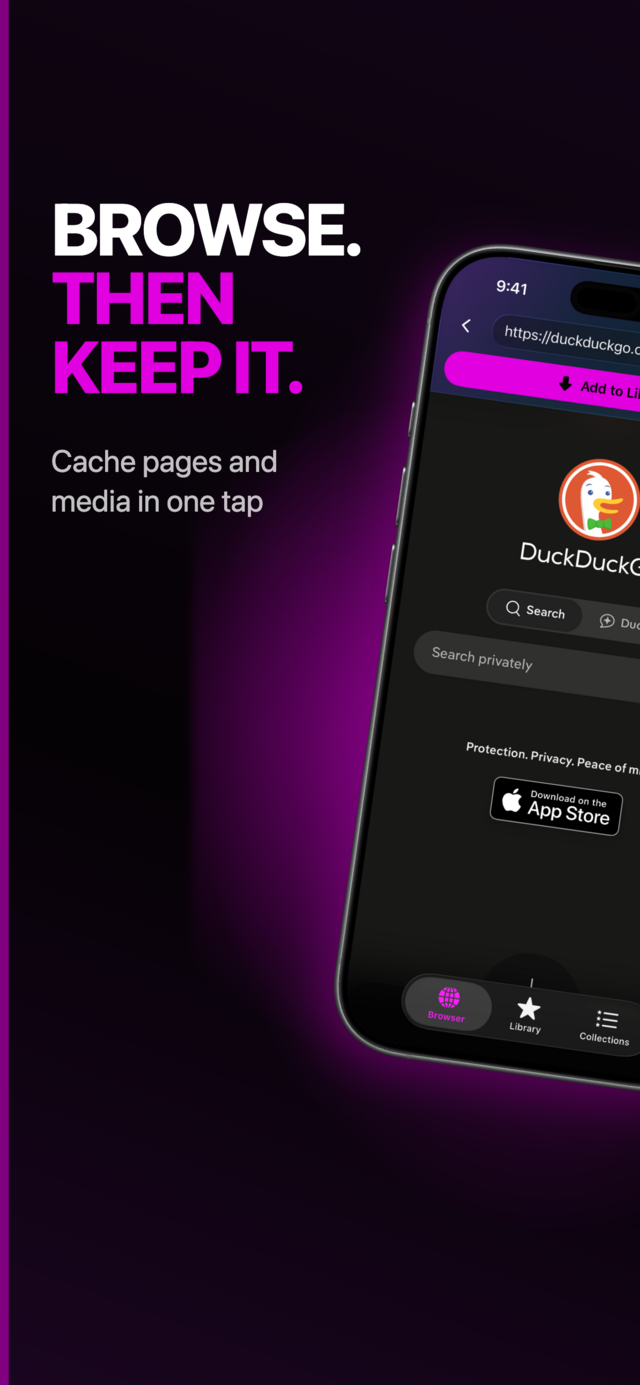
- Browse. Open any website in the built-in browser, just like in Safari.
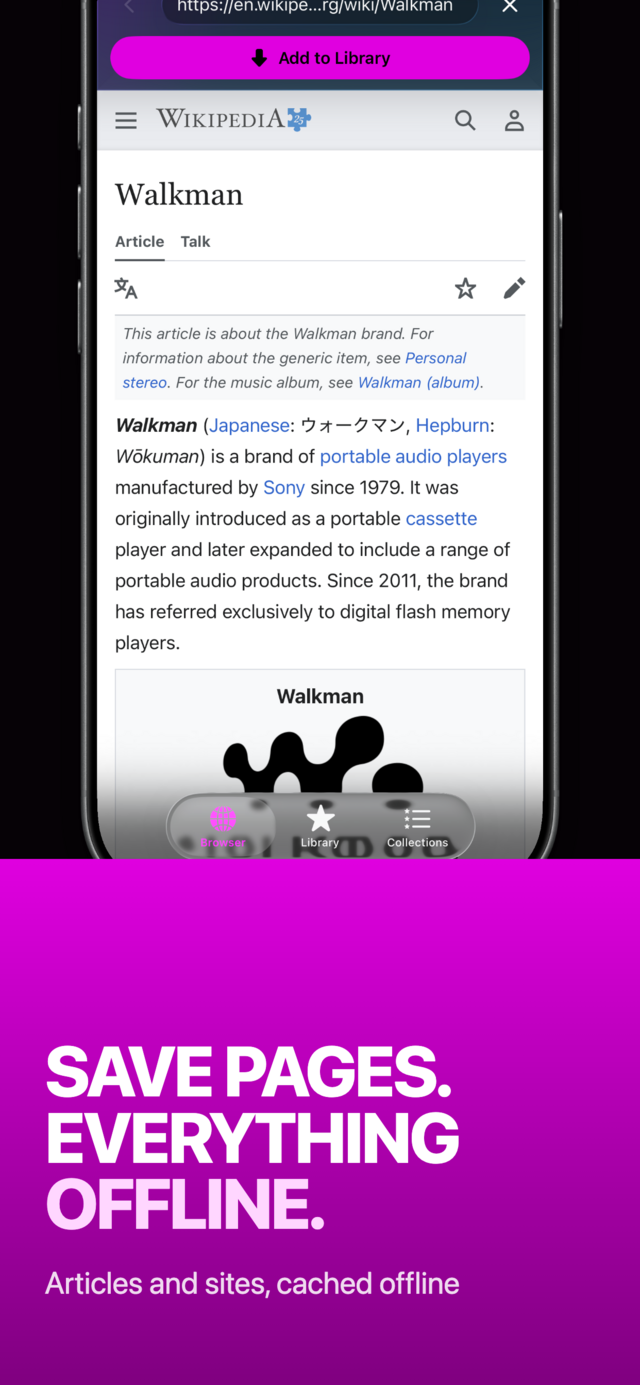
- Save. Tap Add to Library: MVO saves the page's music or video to your iPhone. No media on the page? MVO keeps a snapshot of the page to read later.
- Play anywhere. Your library plays without a connection, even in airplane mode.
Features
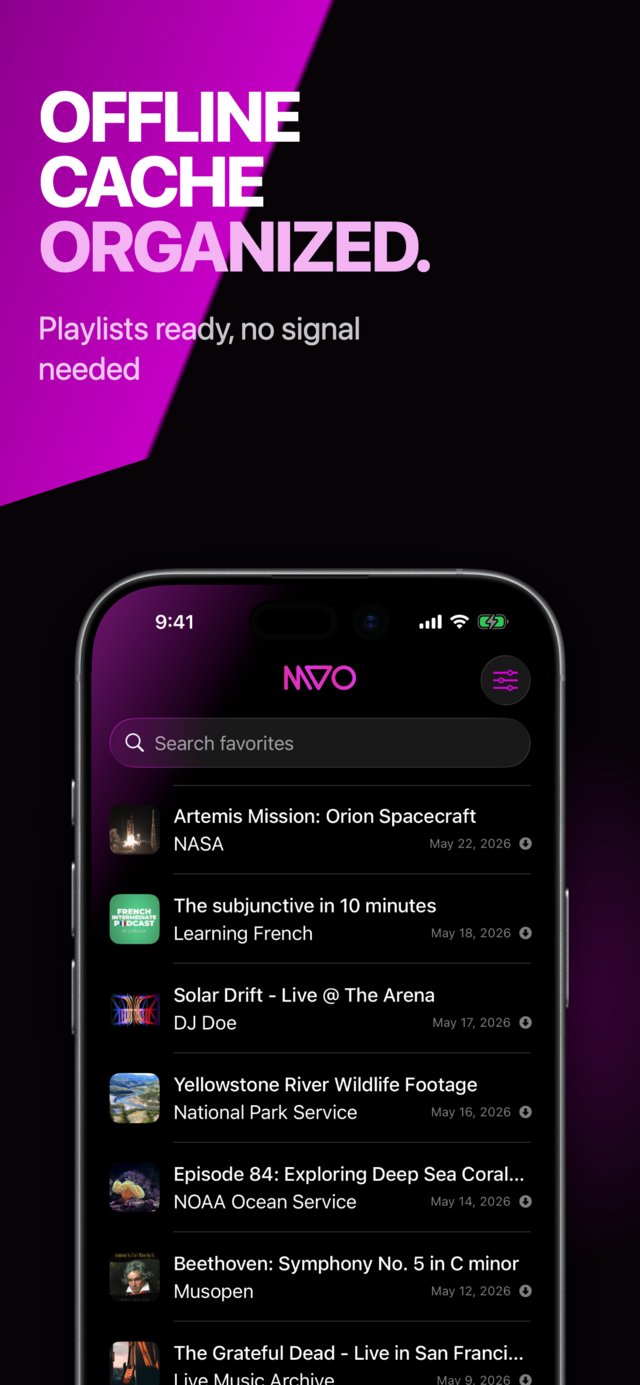
A library that works without internet
Everything you save to cache plays from your device. Perfect for flights, the commute, travel abroad or saving mobile data.
Background playback
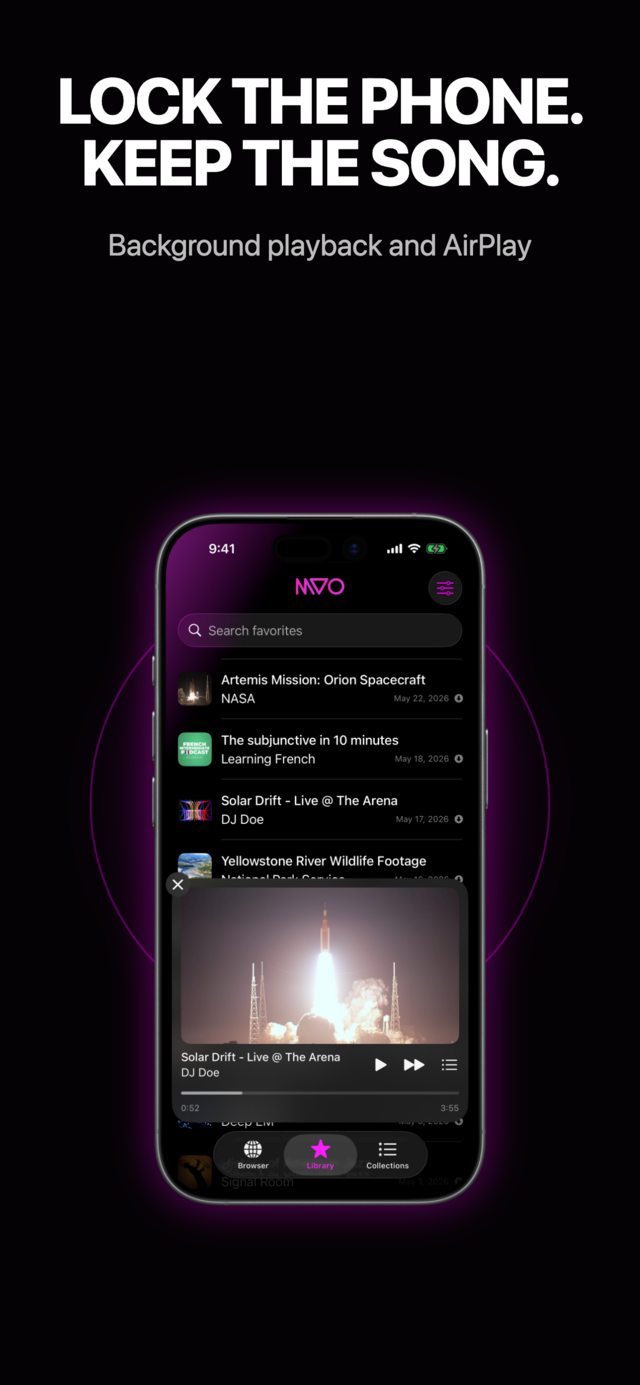
Lock the screen or switch apps: the music keeps going, with controls on the lock screen, in Control Center and on your headphones or car.
Collections and queue
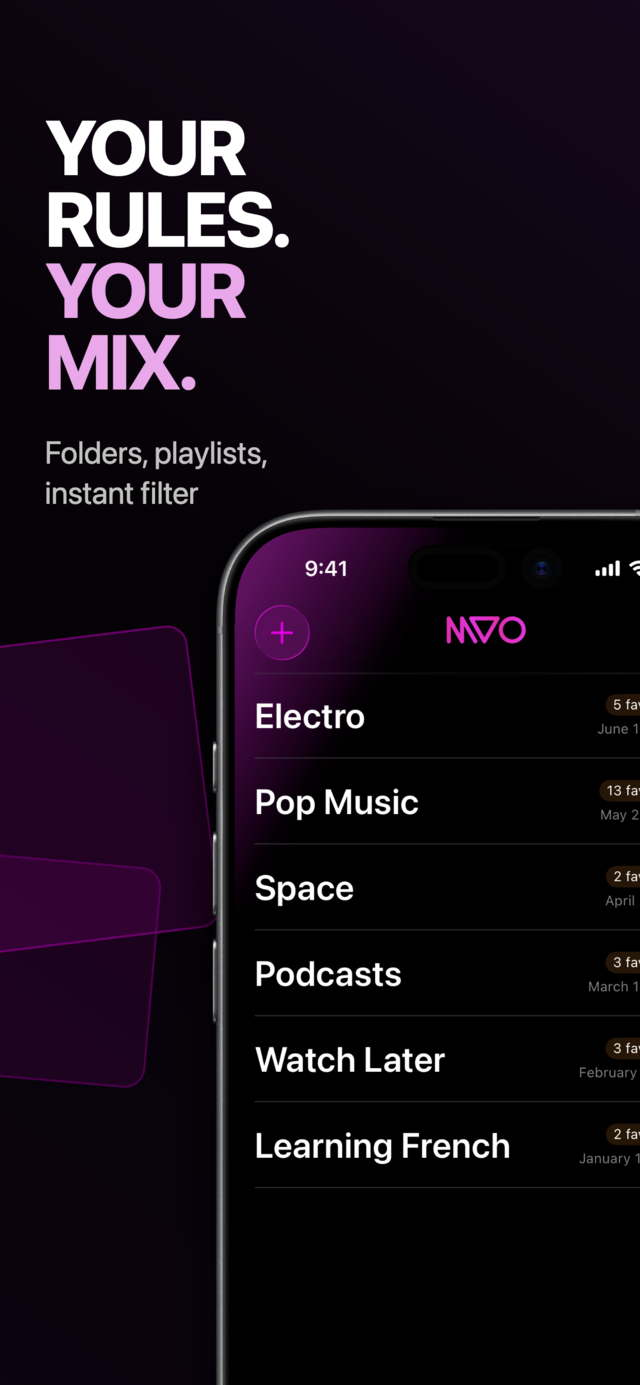
Group songs and videos into collections, sort them, search your library, and play with shuffle, repeat one or repeat all. Each item can resume where you left off.
Video and audio
Watch videos full screen, or choose audio only to listen to them like music.
AirPlay
Send what you are playing to a speaker or a TV with AirPlay.
Save links from any app
Use the share sheet in Safari or any other app to send a link straight to your MVO library.
Synced with iCloud
Your library and collections follow you across your devices with your iCloud account.
No ads
Nothing interrupts your music. Ever.
Guides
- How to listen to music without internet on iPhone
- How to listen to music on a plane with your iPhone
- How to watch videos offline on iPhone
- How to save a web page to read offline on iPhone
- How to keep music playing with the iPhone screen locked
- How to listen to music without using mobile data
- Music and videos abroad without roaming
- How to organize music and videos into playlists on iPhone
- How to AirPlay your saved music and videos
- How to save a link from Safari or any app to MVO
- Podcasts, lectures and lessons offline
Need help? Read the user guide.
MVO is a personal media library: save only content you are allowed to keep. See our copyright notice.
Get MVO
MVO is available for iPhone and iPad.